Microsoft Teams Room Setup
Overview
Supported the end-to-end setup of a small-to-mid sized Microsoft Teams Room environment. The goal was to deliver a reliable, easy-to-use meeting space with stable audio, video, and touch controls, while following standard IT support and troubleshooting practices.
Setup & Troubleshooting
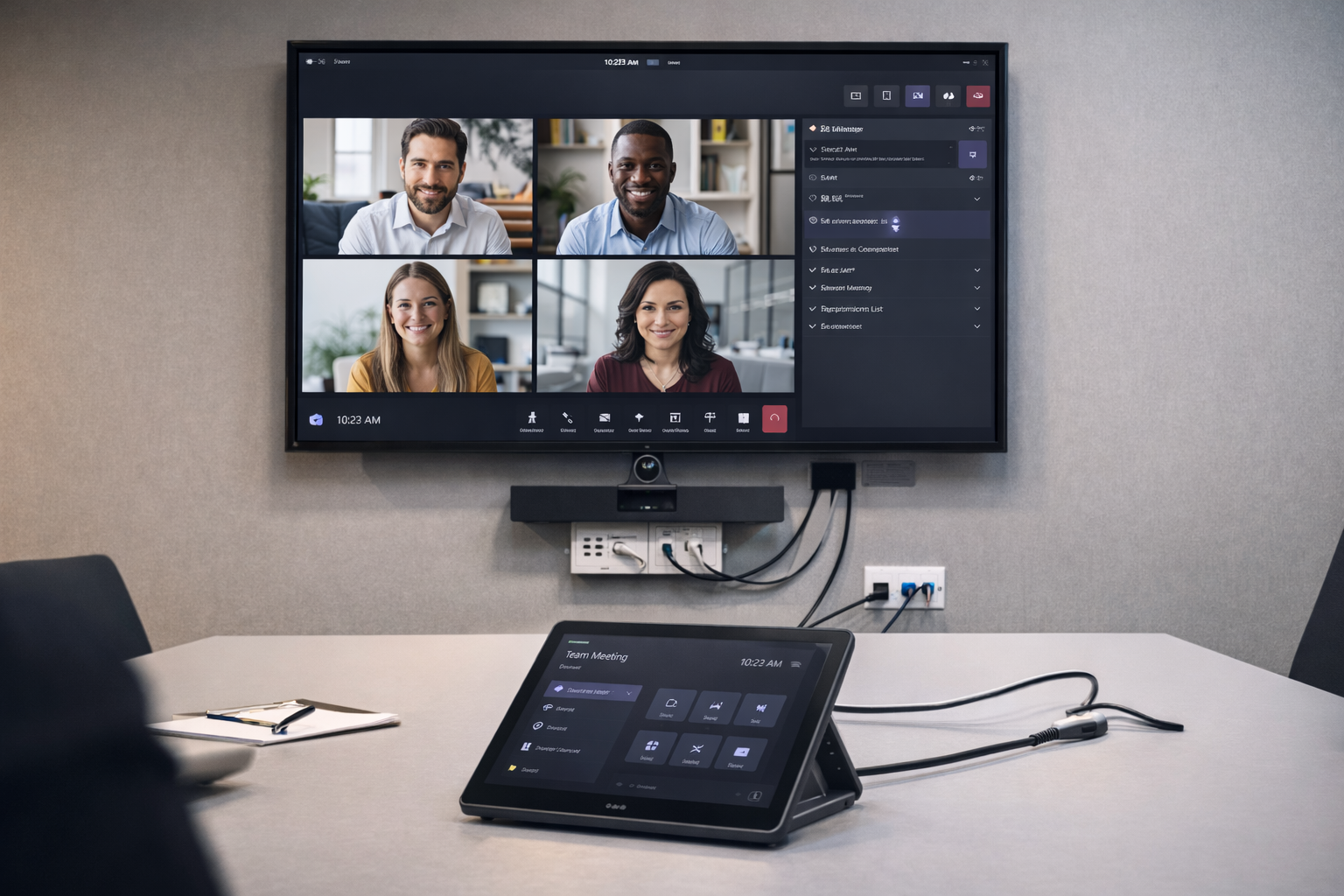
- Reviewed room requirements and verified compatibility of display, camera, microphone, and touch console.
- Performed device updates to ensure correct firmware and Microsoft Teams Room software versions.
- Installed and validated HDMI, USB, and Ethernet cabling for stable signal flow and device control.
- Configured and tested the touch panel for meeting join, volume, camera, and screen-sharing controls.
- Conducted end-to-end meeting tests including audio clarity, video framing, and content sharing.
- Troubleshot common issues such as device pairing, display detection, and input/output conflicts.
- Documented setup steps and basic troubleshooting checks for ongoing support and handover.
Outcome
The room was successfully prepared for daily use, providing a consistent meeting experience with reliable audio/video and simple touch-based controls. This project demonstrates my hands-on experience with meeting room technology, structured troubleshooting, and practical IT service support in a real environment.